Creating Standardized Invoice and Purchase Order Templates
A comprehensive technical guide on creating standardized invoice and purchase order templates.
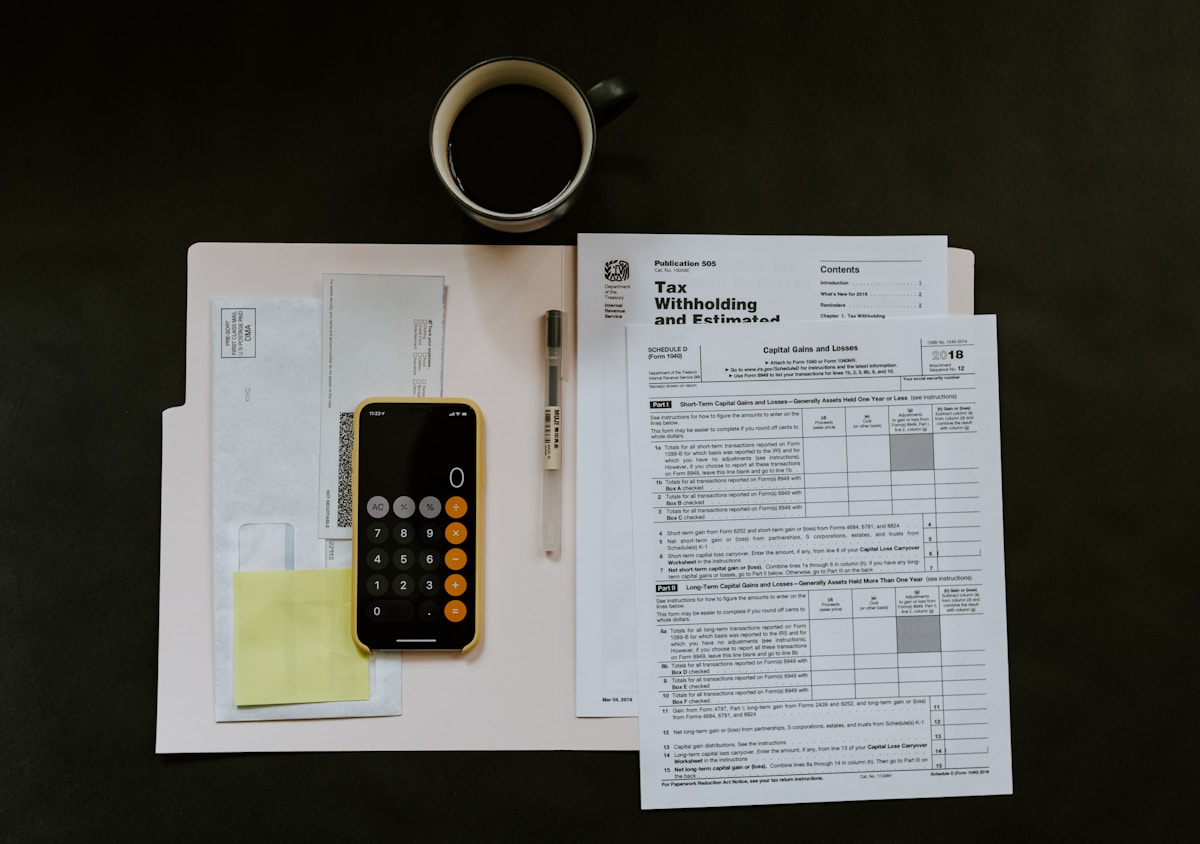
Introduction to Enterprise Financial Standardization
Financial operations scale on the back of structured data. When procurement and accounts payable teams handle invoices and purchase orders (POs) that lack standardization, reconciliation slows, vendor disputes multiply, and audit trails fracture. Implementing uniform document templates transforms raw transactional data into structured inputs ready for automated processing.
This guide establishes the architectural framework for designing, deploying, and maintaining enterprise-grade invoice and purchase order templates. By enforcing rigid schema rules, logical field ordering, and explicit mathematical validations, organizations can eliminate manual intervention and drastically reduce invoice exception rates.
Anatomy of a Standardized Purchase Order
A purchase order is a legally binding contract issued by a buyer to a seller, indicating types, quantities, and agreed prices for products or services. To ensure automated matching against incoming invoices, a PO template must isolate mandatory header, line-item, and summary data into discrete zones.
Header Architecture
The upper third of the document establishes metadata and legal context. This section must capture precise organizational identities and routing parameters.
- Company Legal Name and Remit-To/Ship-To Addresses: Crucial for tax compliance and physical logistics.
- Unique PO Number: Formatted with a predictable string pattern (e.g.,
PO-YYYY-[DepartmentCode]-[SequentialNumber]). - Issue Date and Delivery Due Date: Entered using ISO 8601 standard format (YYYY-MM-DD) to prevent regional parsing errors.
- Payment Terms: Explicitly defined terms such as Net 30, 2/10 Net 30, or Due Upon Receipt.
Line-Item Matrix Specifications
The core of the purchase order consists of a tabular array detailing the transaction economics. Every row must adhere to a strict structural schema to support downstream Enterprise Resource Planning (ERP) ingestion.
| Column Header | Data Type | Description / Formatting Rule |
|---|---|---|
| Item SKU / ID | Alphanumeric | Internal catalog identifier or global GTIN. |
| Description | Text | Clear specification of goods or scope of service. |
| Quantity Ordered | Numeric | Integer or decimal (up to 2 places for bulk goods). |
| Unit Price | Currency | Agreed net price per unit (exclusive of tax). |
| Line Total | Currency | Calculated via formula: Quantity * Unit Price. |
Designing the Matching Invoice Template
An invoice serves as a bill for rendered goods or services, submitted by the vendor. To achieve seamless three-way matching—verifying the Purchase Order, Receiving Report, and Invoice—the vendor invoice layout must directly mirror the PO structure.
Mandatory invoice data points include the original PO reference number, a unique invoice identifier, tax identification numbers for both entities, and a clear breakdown of sub-totals, applicable taxes, shipping fees, and final grand totals. If an invoice fails to display the originating PO number, it should trigger an automated exception hold.
Spreadsheet Implementation and Formulas
When developing templates inside spreadsheet environments like Microsoft Excel or Google Sheets, precise cell referencing and data validation prevent user error and maintain formula integrity across iterations.
Essential Formulas
Build calculations using robust syntax that handles edge cases such as empty rows or zero-quantity entries without returning error codes.
- Line Item Calculation:
=IF(ISBLANK(B12), "", C12 * D12)— Evaluates if the SKU cell is blank before calculating the product of quantity and unit price. - Subtotal Aggregation:
=SUM(E12:E30)— Aggregates all valid line item totals. - Tax Calculation:
=E31 * 0.0825— Applies a standard regional tax rate to the calculated subtotal. - Grand Total:
=SUM(E31, E32, E33)— Combines subtotal, tax, and freight charges.
Keyboard Shortcuts for Rapid Template Editing
Power users and administrative staff can accelerate document creation and review cycles by leveraging native editing shortcuts:
- Insert Table Row:
Ctrl + Shift + Plus (+)(Windows) orCmd + Shift + Plus (+)(macOS) when a row is selected. - Format as Currency:
Ctrl + Shift + $(Windows) orCmd + Shift + $(macOS). - Autosum Range: Press
Alt + =(Windows) orCmd + Shift + T(macOS) to instantly insert a sum formula.
Step-by-Step Workflow Deployment
Deploying a standardized template across a multi-department organization requires a disciplined rollout plan to secure user adoption and system compatibility.
- Audit Existing Documents: Collect legacy PO and invoice formats currently utilized by procurement, finance, and operational business units. Identify missing data fields and layout inconsistencies.
- Draft Master Schema: Construct the master template in a controlled sandbox environment, locking structural ranges and applying data validation rules to restrict free-form text entry in numerical fields.
- Configure ERP Mapping: Map template cell coordinates (e.g., PO Number at
Cell B4, Grand Total atCell E35) to your accounts payable automation software or ERP data ingestion endpoints. - Pilot Phase: Roll out the templates to a single business unit (e.g., Information Technology procurement) for 30 days to stress-test the schema against real-world vendor submissions.
- An enterprise transformation case study from a mid-sized logistics firm demonstrated that moving from ad-hoc Word documents to strict spreadsheet-based templates reduced invoice processing times from 14 days to under 48 hours.
- Organization-Wide Enforcement: Publish finalized, read-only template files to the internal company intranet, deprecating all legacy versions.
Troubleshooting Matrix
Even with strict design rules, discrepancies occur during day-to-day operations. Use this diagnostic matrix to resolve standard layout and calculation failures.
| Symptom | Root Cause | Corrective Action |
|---|---|---|
Grand total returns #VALUE! error. |
Text string embedded within a formula-driven numeric range. | Audit line-item cells for unintended spaces, text entries, or corrupted number formatting. |
| ERP optical character recognition (OCR) fails to read PO number. | Non-standard font choice or placing the PO identifier below the line-item table. | Relocate PO number to the top-right header zone and restrict typography to high-contrast sans-serif fonts (e.g., Arial or Calibri, size 11+). |
| Tax calculation misaligns with state thresholds. | Hardcoded tax rates instead of dynamic parameter references. | Create a dedicated tax-rate lookup table referenced dynamically by the subtotal formula. |
| Vendor submits invoice without matching PO number. | Vendor onboarding failure or ambiguous contract issuance. | Reject the invoice instantly via automated portal notification, referencing company policy requiring a valid PO number. |
Governance and Maintenance
Financial templates are not static assets. Regulatory changes, updates to corporate tax structures, and ERP migrations require periodic audits of your documentation framework. Establish a quarterly review cycle involving accounts payable leads, procurement managers, and IT systems administrators to validate that templates continue to satisfy both internal controls and external audit requirements.
Standardization is the bedrock of scale. By enforcing rigorous data structures within every invoice and purchase order, organizations convert administrative overhead into clear, predictable financial velocity.